Building from source
Getting the source
Before building OpenGamepadUI, you first need to actually download the
source code using git. Ensure you have git installed, and run the
following to clone the project locally:
Build Requirements
The following are required to build Open Gamepad UI:
- Godot 4.x
- GCC 7+ or Clang 6+.
- pkg-config (used to detect the dependencies below).
- X11, Xcursor, Xinerama, Xi and XRandR development libraries.
- MesaGL development libraries.
- ALSA development libraries.
- PulseAudio development libraries.
- Evdev development libraries
- Rust
- make (optional)
- unzip (optional)
- wget (optional)
If you are using ArchLinux, you can run the following:
pacman -S --needed scons pkgconf gcc gcc-libs libxcursor libxinerama libxi libxrandr mesa glu libglvnd alsa-lib make cmake unzip wget git libevdev libxau libxcb libxdmcp libxext libxres libxtst squashfs-tools godot
Building
OpenGamepadUI uses make to help make developing the project easier.
You can view the things you can do with make by running make help:
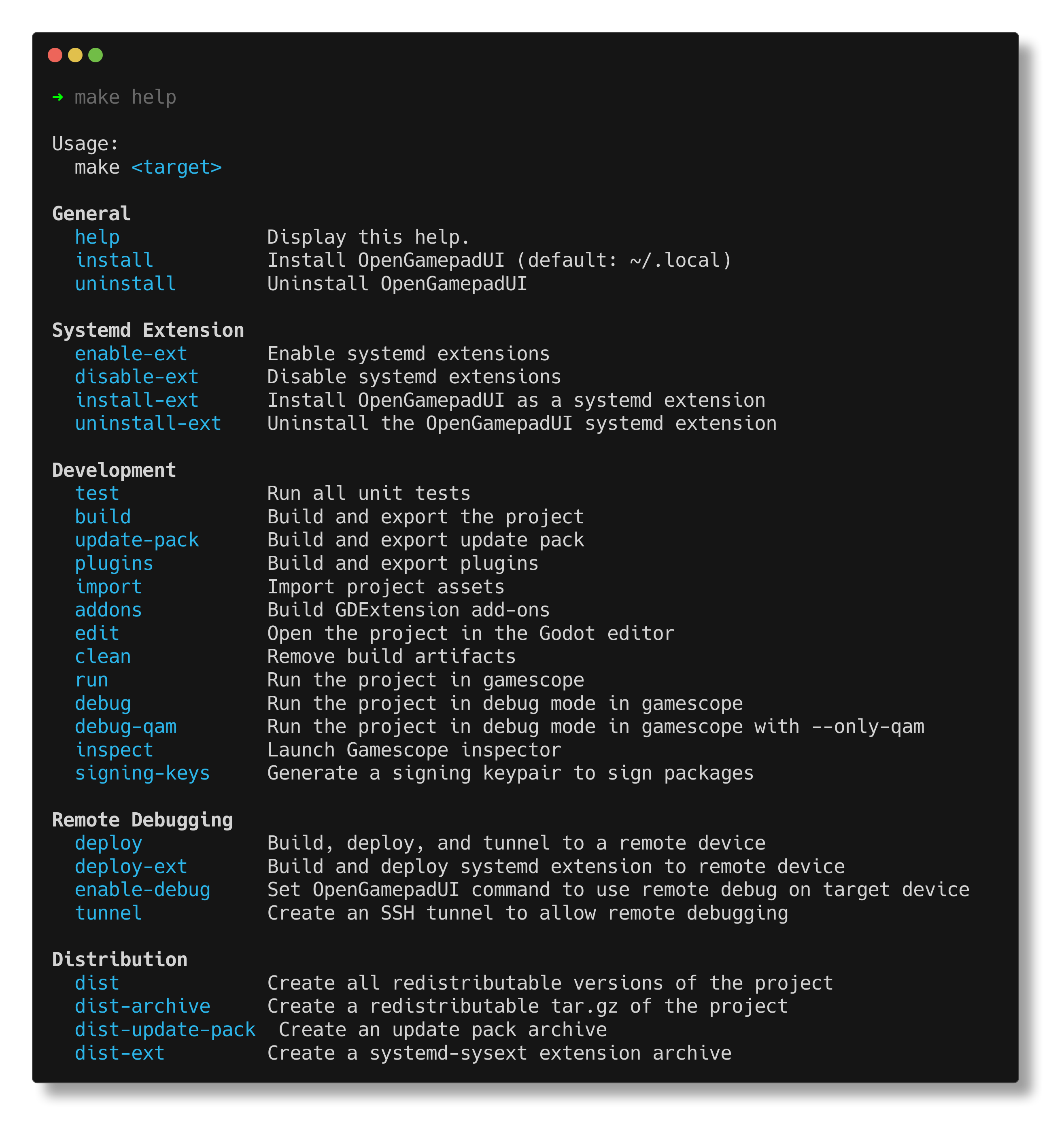
You can build the OpenGamepadUI binary using the following:
Godot imports and converts assets when it builds. If you see errors related to failing to load resources. Try running:
Usage
Open Gamepad UI works in conjunction with gamescope to manage launching games in a seamless way.
To run OpenGamepadUI, run the following to launch through gamescope:
You can also run OpenGamepadUI in gamescope in debug mode with the Godot editor open with: